
Maya's 30 and still sends 10-minute voice notes
Sample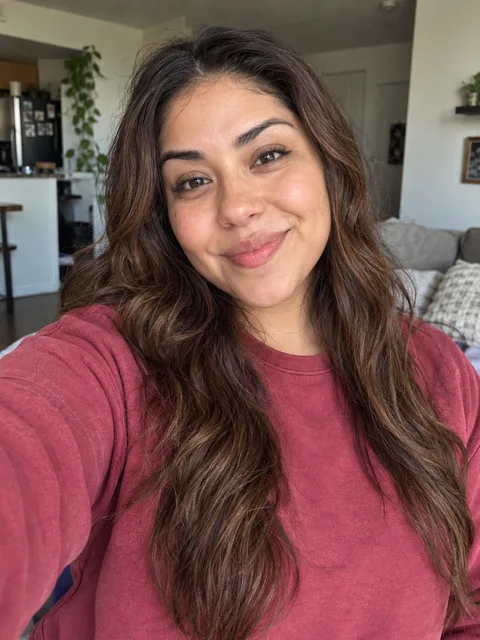

The personal detail
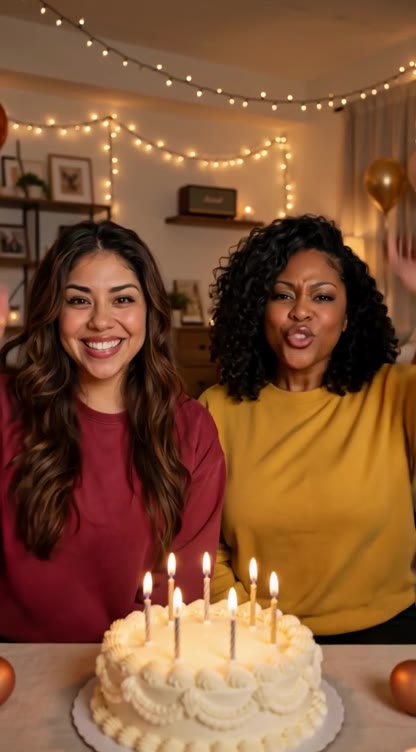
“Maya turns 30. We still listen to her ten-minute voice notes.”
PERSONALIZED BIRTHDAY & ROAST RAP VIDEOS
Two photos. One inside joke. One rap video.
Two performers. One message for someone off camera. Plan a birthday rap with two photos, the recipient’s name and an inside joke. Explore the form and samples for free, without signing in.
Use two clear photos of consenting adults or pets. No children’s photos. Review seven editable lines labeled Left or Right. Voices are generated; facial likeness and lip-sync can vary.
Maya's 30 and still sends 10-minute voice notes
SampleThe personal detail
“Maya turns 30. We still listen to her ten-minute voice notes.”
The dog says Mom has too many photos
Sample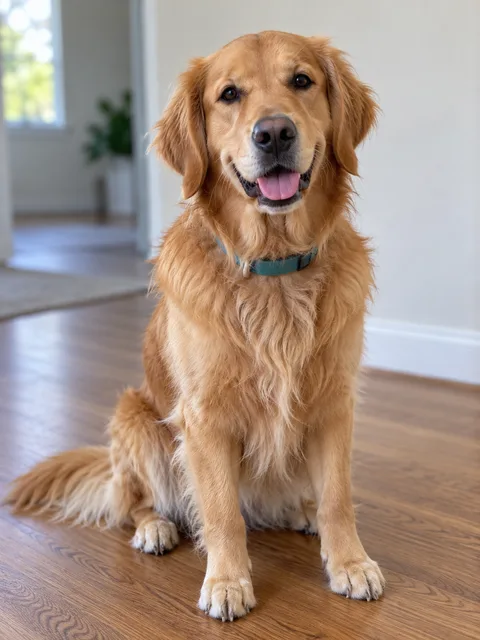
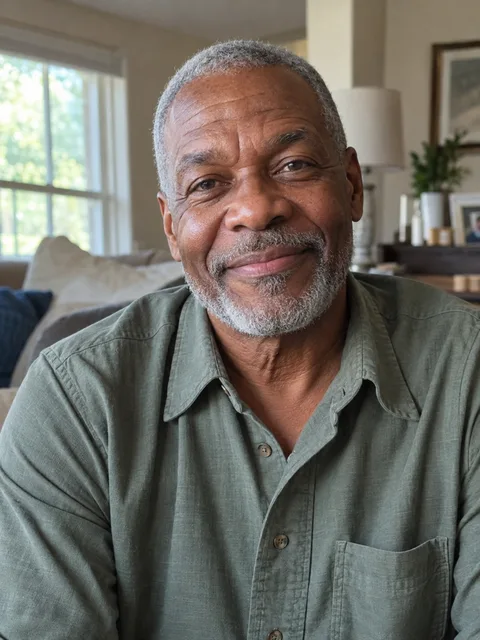
The personal detail
“Mom takes hundreds of dog photos and still wants more.”
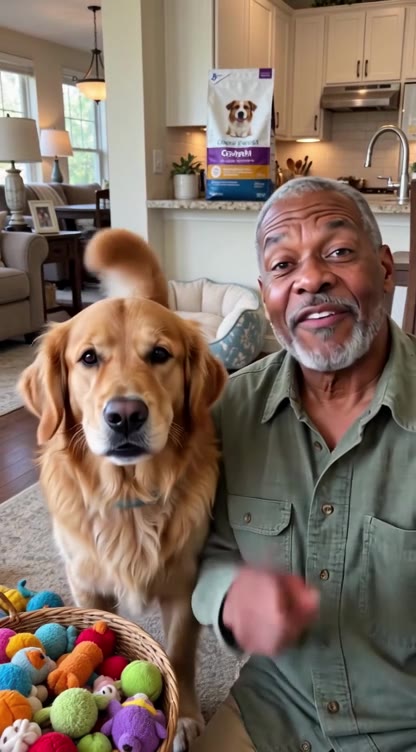
Web samples: 15.04 seconds · 416 × 752 · with sound
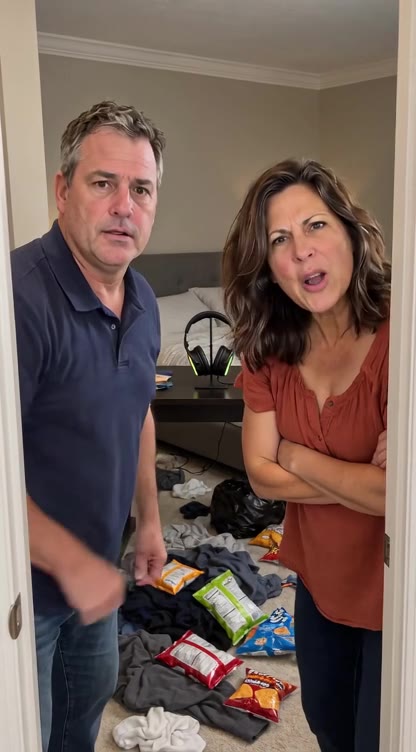
Dad tried "no cap." The room is still a mess.
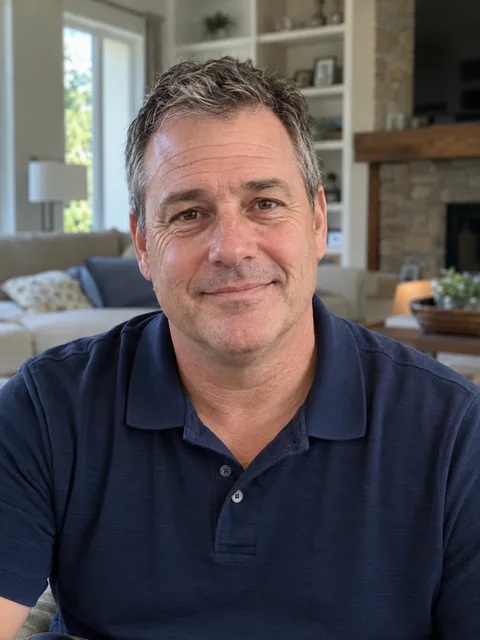

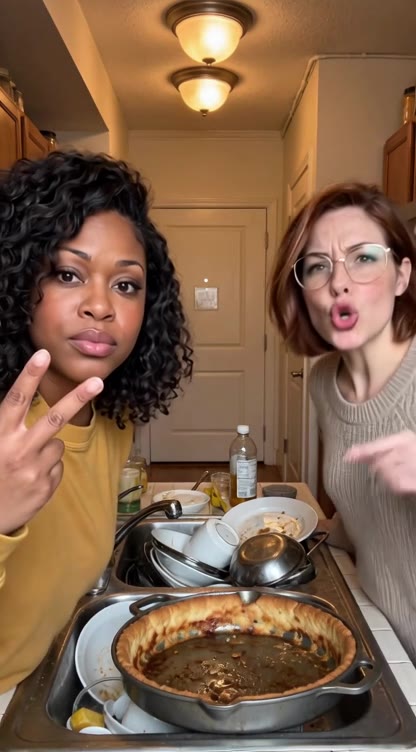
That pan has been soaking since July

 Sample
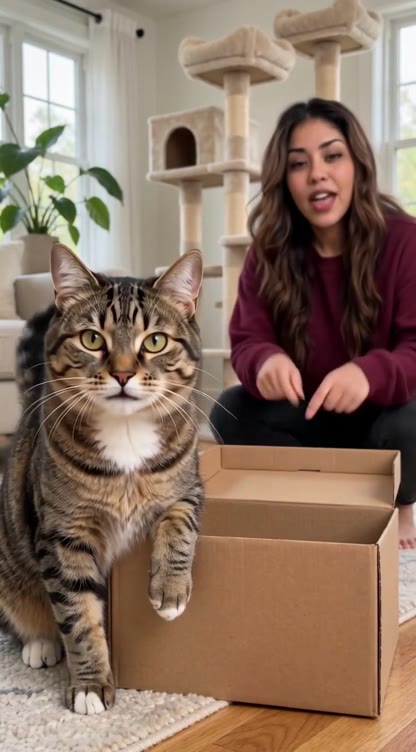
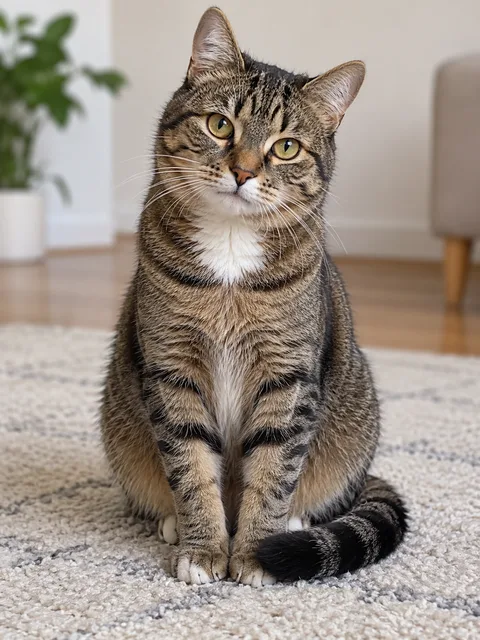
New cat tree. The cat chose the box.

Grandma roasts her son at 50


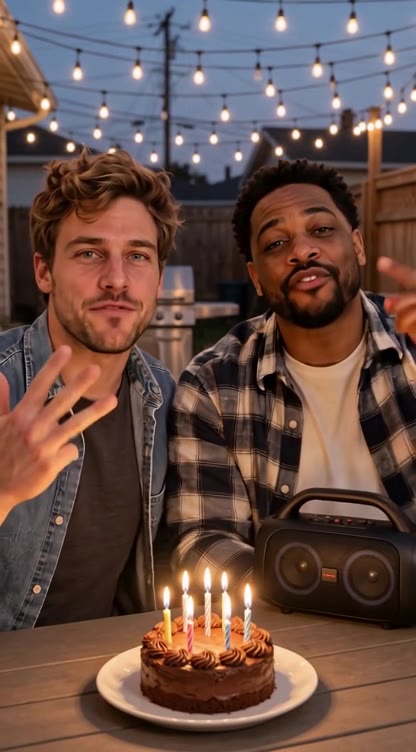
Dave's 35 and still on his mom's phone plan


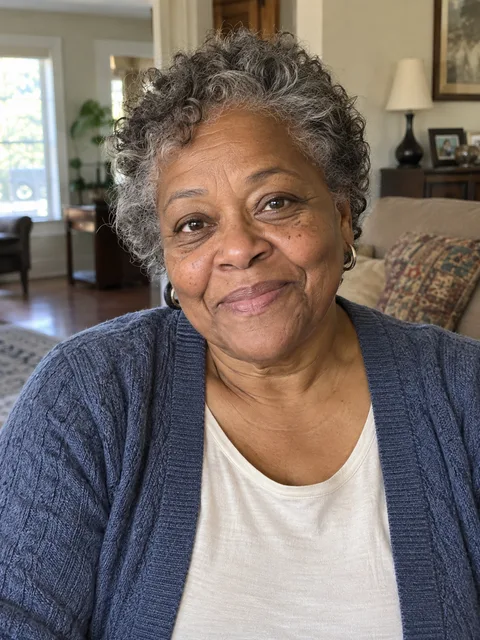 Sample
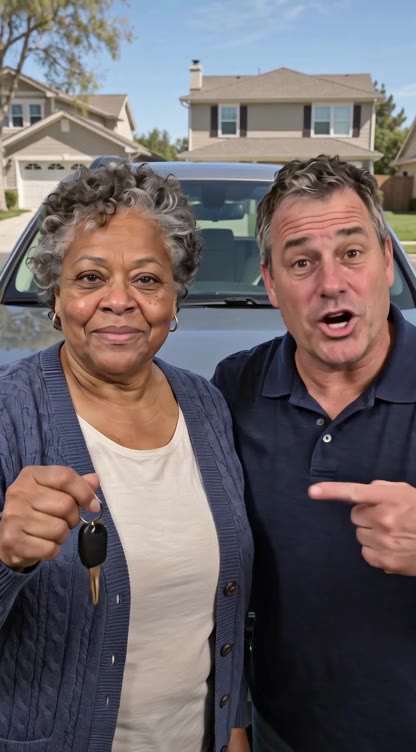
Grandma says the new driver has rizz

Last place in fantasy football. Again.

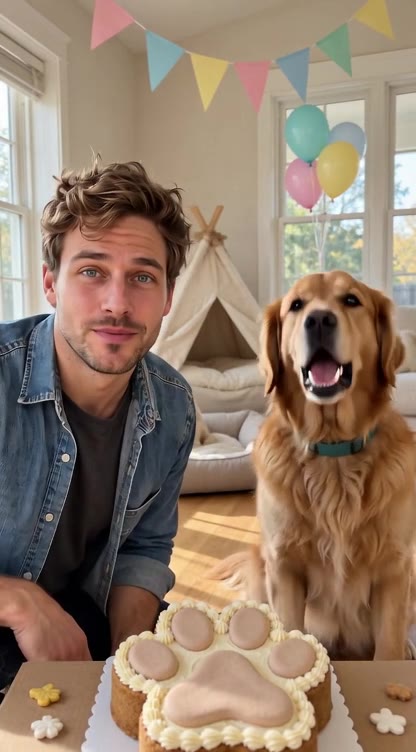
The dog wrote Sam a thank-you rap
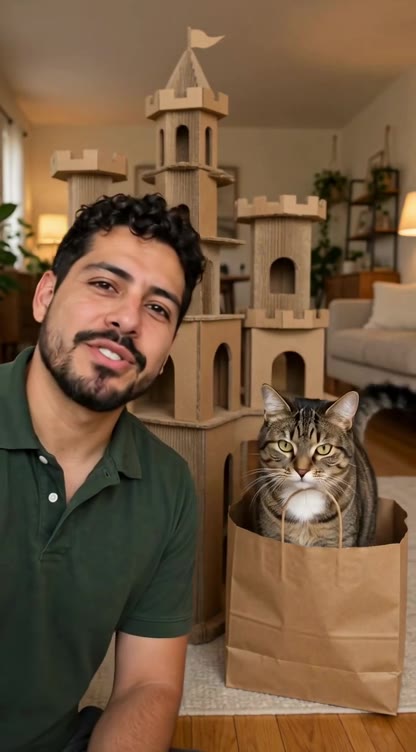 Sample
Lena's cat finally speaks up

50 years married, one rap for Grandpa
Prepare a personal message for someone else with two performers and one shared story.
Use two clear photos of consenting adults or pets. No children’s photos. Review seven editable lines labeled Left or Right. Voices are generated; facial likeness and lip-sync can vary.
Web samples: 15.04 seconds, 416 × 752 pixels, with sound. These are the files available to play on this page.
Duo Rap Video is a personalized duo rap-video maker. Two people from your photos perform a rap together for someone who is not in the video. The words come from your recipient’s name, the occasion and details only your group would know.
Start with two performer photos, choose a scene and add the details that make the message personal.
Start with a specific person and a small detail. “Happy birthday” sets the occasion; “Maya still sends ten-minute voice notes” makes it personal. The two performers act as a team addressing the recipient.
The form follows the story: who receives the rap, who performs it, what they say and where they perform. You can inspect the whole form before signing in.
Pick the setting in the form or describe your own. The scene describes where the two performers appear. The Rap battle setting does not promise a competitive, back-and-forth battle format.
A photo supplies a performer’s appearance, not their real voice. Duo Rap Video does not offer a voice selector or promise voice cloning. The rap performance includes generated audio.
The birthday example above starts with two performer photos and this detail: “Maya turns 30. We still listen to her ten-minute voice notes.” The finished sample shows those two performers delivering the birthday rap together.
Tap a speaker button to listen, or select a sample to personalize its form.
In this sample, Left (first photo) delivers lines 1, 3, 5 and 6; Right (second photo) delivers lines 2, 4 and 7. You can edit the words; the performer labels show the existing line allocation.
Duo Rap Video starts with the recipient: name the person the rap is for, add an occasion and an inside joke, then choose two performers to deliver the message as a team. The recipient stays off camera. This is a birthday, thank-you or friendly-roast workflow; other duo tools may also support these uses.
Duo Rap Video’s core idea is two performers delivering one personalized rap to a third person. A rap battle uses opposing performers exchanging lines; this site does not promise that format. A text-to-song tool makes a song but does not by itself put your two chosen faces into a performance.
Each video is requested at 15 seconds, 720p, vertical 9:16, and delivered as an MP4. Generated length, likeness and lip-sync can vary.
1 video for $4.99; 5 videos for $9.99; 20 videos for $15.99. Prices are in USD, paid once. A full video uses 50 credits. Credits last 365 days. No subscription.
We do not add a site watermark to paid MP4 downloads. AI-generated details or marks may still appear in the video.
Finished videos remain in your account without an automatic expiry. Download a copy for your own archive. To request removal of a video, open Settings → Support tickets and include its video ID. Deleting a source photo does not remove an existing video or a copy you downloaded or shared.
After generating, open the finished video and choose Download video. Failed renders automatically return credits; see Payments and refunds for unused-pack refunds.
Keep the message focused: name the recipient, choose one occasion and add a memorable detail for the two performers to deliver.
Use one clear face per photo, facing the camera, with the head and upper body visible. For a pet, keep the face and ears in the frame. Avoid sunglasses, heavy filters and low light.
Uploaded originals remain in your account until you delete them; there is no automatic expiry. Replacing a photo or clearing a browser draft does not delete the previous upload.
To delete an upload, open Photo privacy → Manage your photos, sign in, choose Delete photo and confirm. The original is removed from our active photo storage and its access links stop working. Replace a deleted photo in your saved draft before making another video.
Photos are stored privately in Cloudflare R2. Your signed-in account can view its uploads. When you request a video, selected photos are sent to an AI processing service through access links that expire after one hour. The server creates fresh links for a new generation request.
We do not use uploads to train our own models. AI processing uses external AI services for lyric writing and video generation. Rap videos use Grok Imagine or Seedance 2.5 with your selected photos, lyrics and scene instructions. Provider-side handling and retention follow their policies. Deleting an original here does not retract a copy already sent for processing or delete an existing video. Request help with provider copies through your account’s support tickets.
Your browser draft is separate from uploaded files. You can clear the form or browser site data. Deleting a photo does not delete downloaded files, receipts or payment records.
The form can keep a draft on this browser so you can return to it. Do not enter private information that you do not want included in the rap.
A browser draft and an uploaded photo are stored separately. Clearing browser data does not delete files already uploaded to your account.
1 video for $4.99; 5 videos for $9.99; 20 videos for $15.99. Prices are in USD, paid once. A full video uses 50 credits. Credits last 365 days. No subscription. Failed renders return credits automatically. Entirely unused packs are eligible for a refund within 14 days.
Uploaded originals remain in your account until you delete them; there is no automatic expiry. Replacing a photo or clearing a browser draft does not delete the previous upload. To delete an upload, open Photo privacy → Manage your photos, sign in, choose Delete photo and confirm. The original is removed from our active photo storage and its access links stop working. Replace a deleted photo in your saved draft before making another video.
Duo Rap Video starts with the recipient: name the person the rap is for, add an occasion and an inside joke, then choose two performers to deliver the message as a team. The recipient stays off camera. This is a birthday, thank-you or friendly-roast workflow; other duo tools may also support these uses.
Use two separate images, one per performer. If you only have a photo together, crop each person into a separate image first. The current form does not split a combined photo for you.
Distinct voices are not guaranteed. Voices are generated and may sound similar; there is no voice selector. Uploading the two photos does not clone either person’s real voice.
Duo Rap Video is designed for a short personalized rap video with two chosen performers rapping together to a recipient who is not in the video.
Both people in the photos are performers. The birthday recipient is a third person outside the video. Tell the form the recipient’s name and what the performers should say to them.
Yes, that is the intended workflow. Add a birthday, habit or shared memory to the form. The sample about Maya’s ten-minute voice notes shows how a concrete detail personalizes the rap.
Review and edit the seven lyric lines before making the video. Use the names, occasion and personal detail to shape the message.
The lyric draft labels each of its seven lines Left or Right. Left is the first uploaded photo and Right is the second. Review who delivers each line and edit the words before making the video. Both performers address the recipient as a team; they are not opponents in a rap battle.
Use two separate photos, one for each performer. The form accepts JPG, PNG, WebP and HEIC, up to 10 MB each. You can also choose a person-and-pet pair.
Use your own photo, your pet or photos of adults aged 18 or older who agreed to take part. Children’s photos are not accepted. You must have permission to use the photos.
Its main workflow is a duo performing together for someone else, not two opponents taking turns insulting each other. A friendly-roast theme does not turn it into a competitive rap battle.
A photo supplies a performer’s appearance, not their real voice. Duo Rap Video does not offer a voice selector or promise voice cloning. The rap performance includes generated audio.
Each video is requested at 15 seconds, 720p, vertical 9:16, and delivered as an MP4. The web samples are 15.04 seconds, 416 × 752 pixels, with sound; their dimensions are separate from the requested output settings.
The form keeps a draft in this browser so you can return to your details. Browser storage is separate from uploaded files; clearing a draft does not delete uploaded photos.
Duo Rap Video runs in your web browser. You can explore the form and play the examples on a phone or computer without installing an app.
Product information published by Duo Rap Video. Updated .
For background on photo formats and browser video playback, see these public references. Our supported uploads, file limits and requested output settings are listed above.
Our photo privacy policy describes storage and deletion on this site. For billing, refunds or a delivered-video problem, contact support through your account’s tickets.